Cloud Migration: How to Move Your Business to the Cloud Safely
Naapbooks Insights • Cloud Migration • 9 min read
Moving your business to the cloud can feel like a big decision. You may worry about losing data, facing downtime, or dealing with unexpected costs. These concerns are valid, but they don't have to stop you from making the move.
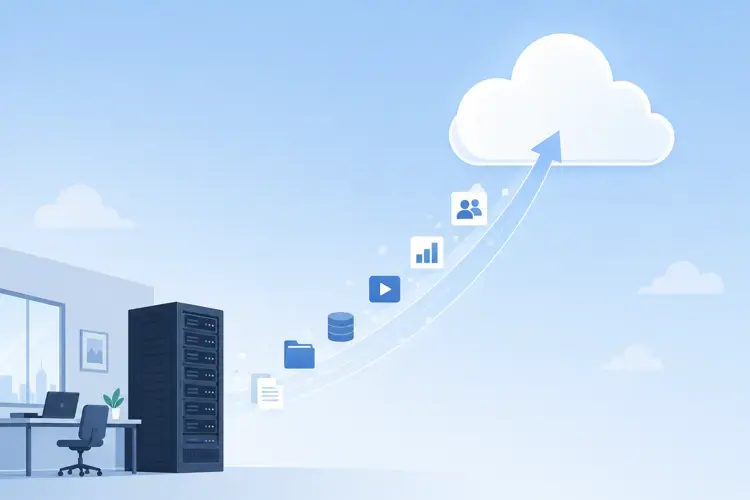
Cloud migration means shifting your data, applications, and IT systems from local servers to cloud-based infrastructure. Businesses are choosing this path because it lowers costs, improves flexibility, and helps teams work from anywhere. But the real value of cloud migration comes from doing it safely and with a clear plan.
This guide walks you through everything you need to know, from understanding what cloud migration is to protecting your data during and after the move.
What Is Cloud Migration?
Quick Answer: Cloud migration is the process of moving digital business operations, such as data, applications, and IT infrastructure, from on-site servers to cloud-based platforms.
In simple terms, instead of storing your files and running your software on physical servers in your office, everything moves to remote servers managed by a cloud provider. You access these resources over the internet.
What Can Be Moved to the Cloud?
Most business operations can move to the cloud, including:
- Databases and file storage
- Business applications and software
- Websites and web apps
- Email systems
- Backup and disaster recovery systems
Public, Private, and Hybrid Cloud
Businesses can choose from three main cloud models:
| Cloud Type | What It Means | Best For |
|---|---|---|
| Public Cloud | Shared infrastructure managed by a third-party provider | Startups and businesses wanting lower costs |
| Private Cloud | Dedicated infrastructure used by a single organization | Businesses with strict security or compliance needs |
| Hybrid Cloud | A mix of public and private cloud resources | Businesses that need flexibility and control |
Why Should Your Business Move to the Cloud?
Cloud migration offers real, practical benefits for businesses of every size.
- Lower IT costs: You reduce spending on physical servers, hardware maintenance, and on-site IT staff.
- Better scalability: You can increase or decrease resources as your business needs change, without buying new equipment.
- Improved accessibility: Your team can access systems and data from anywhere with an internet connection.
- Better backup and disaster recovery: Cloud providers offer built-in backup tools that protect your data from hardware failure or disasters.
- Increased flexibility: You can adopt new tools and technologies faster, since cloud platforms integrate easily with modern software.
Key Takeaway: Cloud migration isn't just a technical upgrade. It directly supports cost savings, business continuity, and growth.
How to Prepare for Cloud Migration
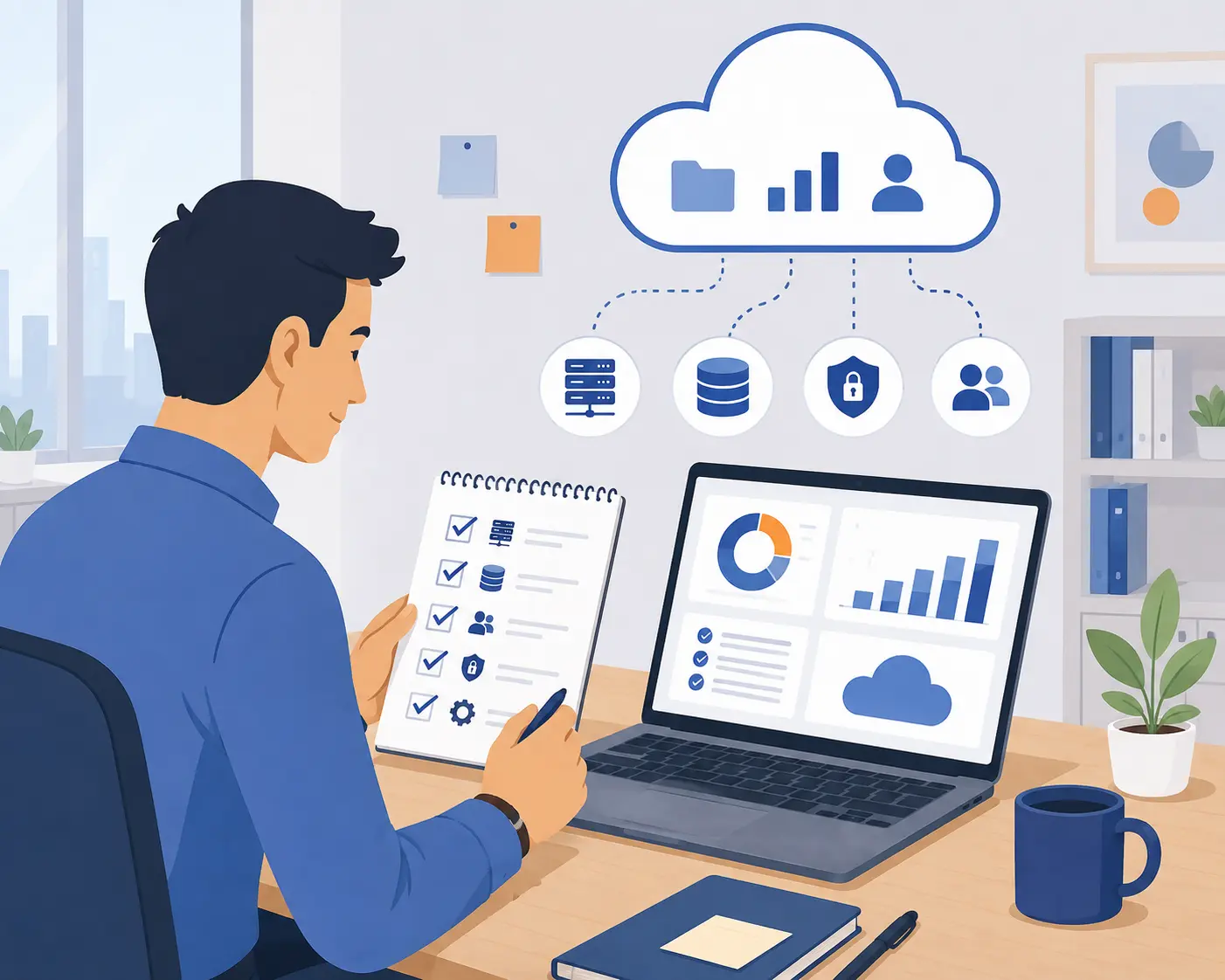
A safe migration starts long before you move any data. Preparation reduces risk and helps you avoid costly mistakes.
- Assess your current systems. Review your existing hardware, software, and data to understand what you're working with.
- Identify what needs to be migrated. Not everything needs to move at once. Prioritize based on business need and complexity.
- Set goals and budget. Define what success looks like and how much you're willing to spend.
- Choose the right cloud provider. Compare providers based on security, support, pricing, and compatibility with your systems.
- Create a migration plan. Document each step, assign responsibilities, and set a realistic timeline.
How to Migrate Your Business to the Cloud Safely
This is the stage where planning turns into action. Follow these steps to reduce risk and protect your data.
Step-by-Step Migration Guide
- Back up your data. Always create a complete backup before starting any migration.
- Start with a small workload. Test the process on a low-risk system first.
- Move data and applications. Transfer your systems following the plan you created earlier.
- Test everything. Check that applications, data, and integrations work correctly after the move.
- Monitor the migration. Watch for performance issues, errors, or data mismatches.
- Go live gradually. Roll out the change in phases instead of switching everything at once.
Why this matters: A gradual approach gives you the chance to catch problems early, before they affect your entire business.
Cloud Security: What Should You Protect?
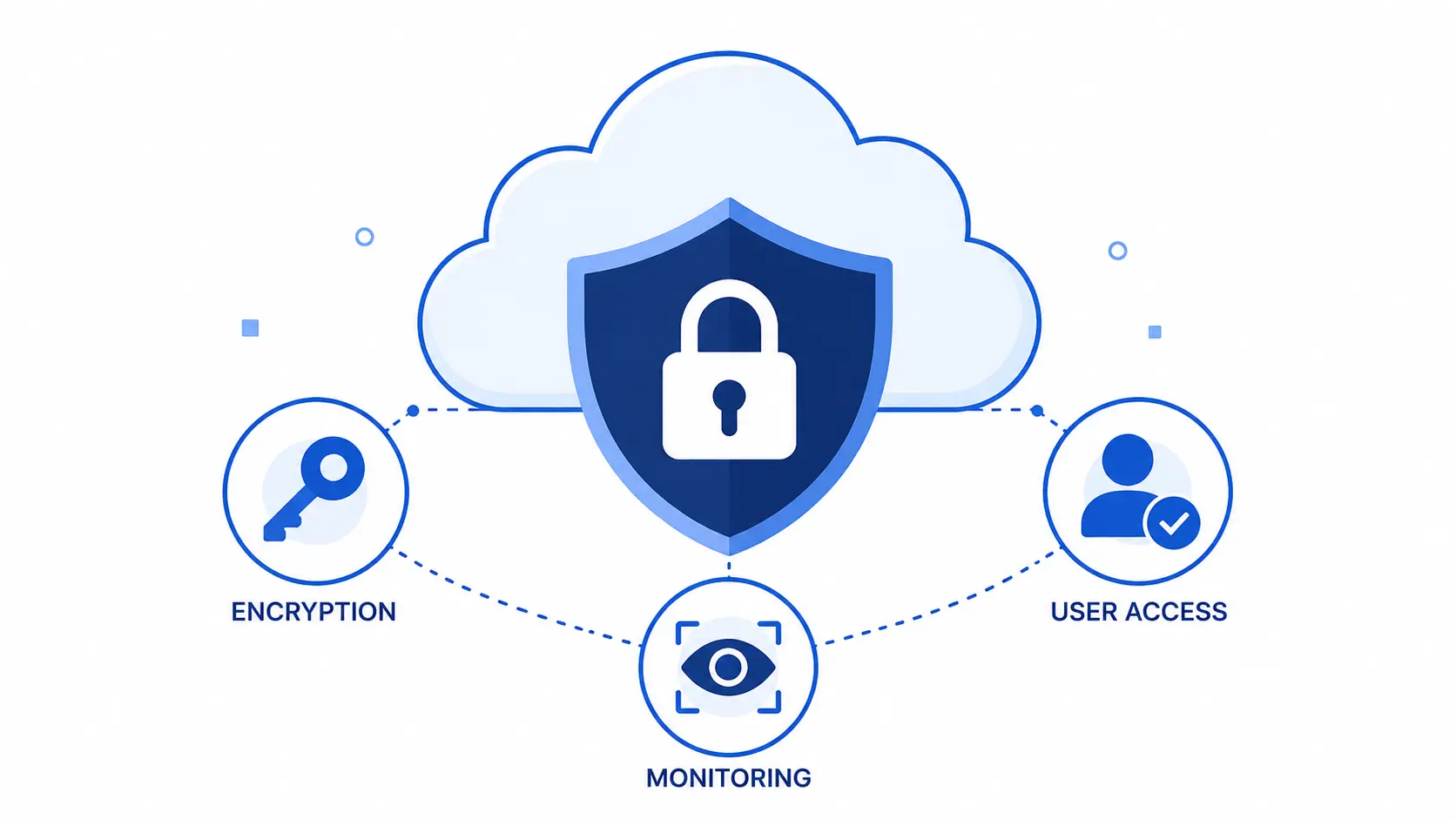
Security is one of the biggest concerns during cloud migration, and for good reason. Protecting your data should be a priority at every stage.
- Data encryption: Encrypt data both when it's stored and when it's being transferred.
- User access and permissions: Limit access based on roles, so employees only see what they need.
- Multi-factor authentication: Add an extra layer of login security beyond just passwords.
- Regular backups: Schedule automatic backups to prevent data loss.
- Security monitoring: Use tools that alert you to unusual activity or potential threats.
- Compliance: Make sure your cloud setup meets any legal or industry regulations that apply to your business.
Definition: Data encryption is the process of converting information into a coded format that can only be read by someone with the correct decryption key.
Common Cloud Migration Challenges
Knowing the risks ahead of time helps you plan around them.
| Challenge | Why It Happens |
|---|---|
| Downtime | Systems may be temporarily unavailable during the switch |
| Data loss | Errors during transfer can cause missing or corrupted data |
| Security risks | New environments can expose gaps in protection if not configured correctly |
| Unexpected costs | Cloud pricing can be complex, leading to higher than expected bills |
| Application compatibility | Some older software may not work well in a cloud environment |
| Lack of technical expertise | Teams without cloud experience may struggle with setup and management |
Best Practices for a Smooth Cloud Migration
- Migrate in phases. Moving step by step limits the impact of any single issue.
- Have a backup and rollback plan. Always be ready to reverse changes if something goes wrong.
- Test before going live. Confirm everything works correctly in a safe environment first.
- Train employees. Make sure your team knows how to use the new systems.
- Monitor performance and costs. Keep an eye on both after migration to catch issues early.
Pros and Cons of Cloud Migration
| Pros | Cons |
|---|---|
| Lower long-term IT costs | Upfront migration costs |
| Easier scalability | Requires technical planning |
| Remote accessibility | Possible short-term downtime |
| Strong backup and recovery options | Learning curve for staff |
How Much Does Cloud Migration Cost?

Cloud migration costs vary depending on the size and complexity of your business. Common cost areas include:
- Infrastructure costs: Setting up cloud storage, servers, and networking.
- Migration and consulting costs: Hiring experts to plan and execute the move.
- Data transfer costs: Fees charged by providers for moving large amounts of data.
- Ongoing cloud costs: Monthly or usage-based fees after migration.
Ways to Control Expenses
- Choose a pricing plan that matches your actual usage
- Regularly review and remove unused resources
- Set budget alerts with your cloud provider
- Start with essential workloads before scaling up
What to Do After Migration
Migration doesn't end once your systems are live in the cloud. Ongoing management keeps everything running smoothly.
- Monitor performance. Track speed, uptime, and any errors.
- Optimize resources. Adjust cloud resources based on actual usage.
- Review security. Regularly check access permissions and security settings.
- Control cloud spending. Review bills and remove unnecessary services.
- Continuously improve. Update your systems and processes as your business grows.
Conclusion
Cloud migration offers real benefits, including lower costs, better scalability, and stronger backup options. But the value of these benefits depends on how well you plan and execute the move.
A safe migration means preparing carefully, protecting your data, testing thoroughly, and moving in gradual, manageable steps. When you follow this approach, your business can shift to the cloud with confidence and avoid the common pitfalls that trip up unprepared organizations.
Take your time, build a solid plan, and treat security as a priority from day one. A well-managed cloud migration sets your business up for long-term success.
Key Takeaways
- Cloud migration moves your data, applications, and systems from local servers to the cloud.
- Businesses migrate for lower costs, better scalability, improved accessibility, and stronger disaster recovery.
- Preparation, including assessing systems and setting a budget, is essential before migrating.
- A safe migration follows clear steps: backup, test, monitor, and go live gradually.
- Security should include encryption, access controls, multi-factor authentication, and compliance checks.
- Common challenges include downtime, data loss, and unexpected costs, but these can be managed with planning.
- Migration doesn't end at go-live. Ongoing monitoring and optimization are necessary for long-term success.