Agentic AI and Business Automation 2026 Guide
Naapbooks Insights • Business Automation Guide 2026 • 15 min read
- What Is Agentic AI?
- What Is Business Automation?
- Agentic AI vs. Traditional Business Automation
- How Does Agentic AI Work in Business Automation?
- Key Business Applications of Agentic AI
- What Are the Benefits of Agentic AI for Businesses?
- Common Mistakes to Avoid
- How to Implement Agentic AI in a Business
- Agentic AI Trends to Watch in 2026 and Beyond
- Conclusion
The Shift from AI Assistance to AI Action
Businesses already use AI to make daily work easier. Teams use it to draft emails, summarize documents, and answer questions about their data. In most of these cases, the AI gives an answer and a person takes the next step.
Agentic AI changes that pattern. An AI tool answers a question. An AI agent can take a goal, plan the steps, and carry out tasks in connected software. Agentic AI business automation is the use of this approach to run parts of a business process with less manual effort, under human control.
Organizations are exploring autonomous workflows in 2026 because many everyday processes span several systems and involve many small decisions. A single customer inquiry may touch an inbox, a knowledge base, and a CRM. Traditional automation handles the predictable parts well. Agentic AI is designed for the parts that vary.
This guide explains what agentic AI is, how it differs from traditional automation, where businesses can apply it, which risks to manage, and how to start with a controlled pilot.
Quick Answer
Agentic AI is AI that can plan and carry out multi-step tasks toward a goal using connected tools and data. Traditional automation follows fixed rules. Agentic AI can adjust within limits, but it needs human oversight and is not the best choice for every workflow.
What Is Agentic AI?
Definition: Agentic AI
Agentic AI refers to AI systems that interpret a goal, plan the steps needed, use tools to act, and check the results, within limits and oversight set by the business.
Definition: AI Agent
An AI agent is a software system that uses agentic AI to work toward a defined goal, such as handling a customer request, using the tools and data it has been given access to.
An AI agent typically works in four stages:
- Interprets goals: It works out what outcome is needed.
- Plans steps: It decides what to do and in what order.
- Uses tools: It works through software, APIs, and business applications.
- Performs tasks: It takes actions and checks what happened.
Several components make this possible:
- Large language models help the agent understand requests written in everyday language and generate text such as replies and summaries.
- Business data gives the agent context, such as customer records or policy documents.
- APIs are the connections that let the agent read from and write to other software.
- Connected software (CRM, support, finance, and IT systems) is where the agent's actions take effect.
Hypothetical example: A customer writes in about a delayed order. An AI agent reads the message, categorizes it as a delivery issue, finds the relevant help article, and drafts a reply. If the case looks complicated, it hands it to a human support agent.
What Is Business Automation?
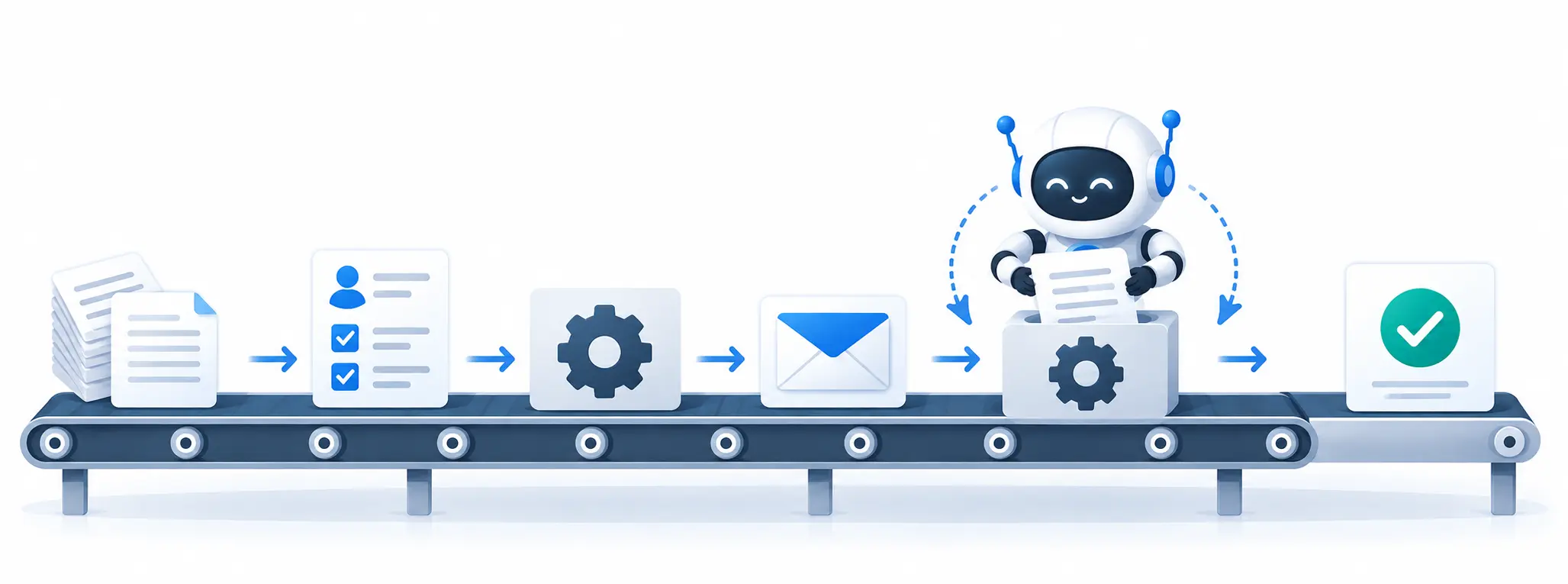
Business automation uses technology to complete repeated tasks with less manual effort. Most traditional automation depends on rule-based workflows. A rule might say, "When a form is submitted, create a record and send a confirmation email." The workflow does exactly what it was configured to do, every time.
Definition: Robotic Process Automation (RPA)
RPA uses software "bots" to repeat structured, rule-based actions, such as copying data from one system into another.
RPA is useful when the steps are clear and the inputs are predictable. Because it follows set instructions, it reduces repetitive manual work such as data entry, record updates, and routine notifications.
Good business automation supports three goals:
- Productivity: People spend less time on repetitive tasks and more on work that needs judgment.
- Consistency: Routine tasks are handled the same way each time, which reduces variation.
- Operational efficiency: Processes run with fewer manual handoffs between people and systems.
The limit of rule-based automation is variation. When a case falls outside the configured rules, a person usually has to step in. That gap is where agentic AI enters the discussion.
Agentic AI vs. Traditional Business Automation
The comparison of agentic AI vs traditional automation (including agentic AI vs RPA) is not a contest with one winner. The two approaches solve different problems.
| Factor | Traditional automation | Agentic AI |
|---|---|---|
| Workflow | Predefined rules | Can plan steps toward a goal |
| Decision-making | Follows configured logic | Can interpret context within limits |
| Flexibility | Usually handles known scenarios | Can adapt to some changing situations |
| Exceptions | Often requires predefined handling | May assess exceptions, with human oversight |
| Best suited for | Repetitive, predictable tasks | More variable, multi-step tasks |
What each difference means in practice:
- Workflow. A traditional workflow follows a path someone designed in advance. An agent is given a goal and works out the steps, which helps when the path is not the same every time.
- Decision-making. Traditional automation applies the logic it was configured with. An agent can read context, such as the tone and content of a message, and choose a suitable action. The phrase "within limits" matters: the business still sets what the agent may decide.
- Flexibility. A rule-based workflow works best on scenarios its designers anticipated. An agent may cope with some changing situations, though it may also get them wrong.
- Exceptions. In conventional automation, every exception needs its own rule or a manual handoff. An agent may assess an unusual case, but a person should oversee how it handles exceptions.
- Best suited for. Rules suit repetitive, predictable work. Agents suit tasks with more variation and several steps.
Important: Agentic AI is not automatically better for every workflow. Predictable, high-volume processes may be cheaper and more reliable with conventional automation. A sensible approach is to keep stable processes on rules and consider agents only where variation is the real obstacle.
How Does Agentic AI Work in Business Automation?
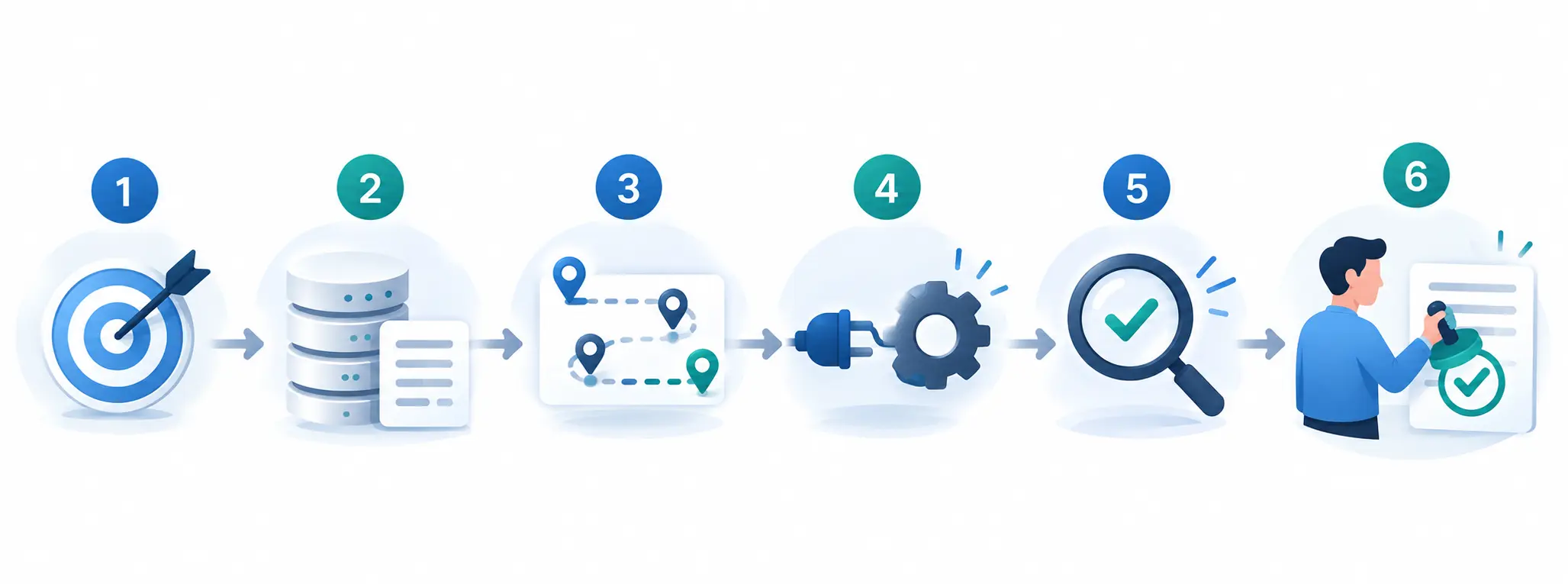
This section shows how AI agents automate multi-step business workflows. Most agent workflows follow a similar pattern.
- Goal identification: The user or business defines the desired outcome. A clear goal keeps the agent focused on the right task.
- Context gathering: The agent retrieves relevant data from approved systems. Limiting it to approved sources protects privacy and improves relevance.
- Planning: It determines the steps needed to complete the task. This is the main difference from a fixed workflow.
- Tool execution: It uses authorized tools, APIs, or software integrations to carry out each step. Authorization controls what it can actually change.
- Evaluation: It checks the results and decides whether more action is needed. This lets it correct course instead of stopping after one attempt.
- Human approval: Sensitive or high-impact actions are reviewed when required. This keeps a person accountable for important decisions.
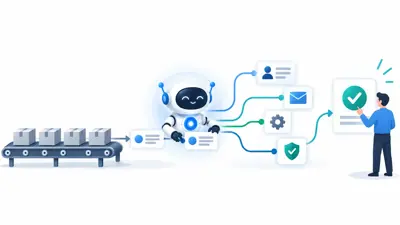
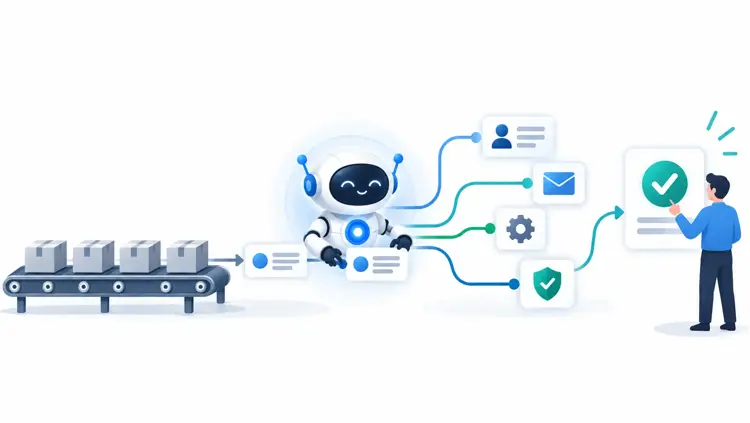
Hypothetical workflow: A customer inquiry arrives by email. The agent categorizes it, retrieves the customer's record, updates the CRM, and drafts a response. A human employee reviews the draft before anything sensitive is sent. Complex cases go straight to a person.
Key Business Applications of Agentic AI
This is the core of the article. The agentic AI use cases in customer support and finance are often the easiest to picture, but the same pattern of gathering data, taking steps, and handing off sensitive decisions applies across departments. These examples show where AI agents for business can fit.
Customer Service and Support
Support teams handle a steady flow of requests that differ in topic and urgency. An agent can categorize each incoming request, retrieve the most relevant knowledge base information, and draft a reply based on it. When a case is complex or sensitive, it escalates to a human employee instead of answering. This leaves people more time for cases that need judgment.
Sales and Lead Management
Sales teams spend time researching prospects and keeping records current. An agent can enrich prospect information from authorized sources, rank leads using criteria the business defines, and update CRM records. It can also prepare personalized follow-ups for a salesperson to review. Because the business sets the criteria, the agent applies the company's rules.
Marketing Automation
Marketing involves research, analysis, and audience planning. An agent can support content research and campaign analysis, group audiences into segments using approved data, and point out patterns in campaign performance. These findings are inputs for the marketing team, which still decides strategy and messaging.
Finance and Accounting
Finance work depends on accuracy and traceability. An agent can classify invoices, match them against other records, and flag unusual transactions for review. It can also support reconciliation and reporting. Flagging is not deciding: a person should review flagged items, and the agent's actions should be logged for audit.
Human Resources
HR teams answer many routine questions and manage paperwork. An agent can answer routine employee policy questions, coordinate interview schedules, and assist with onboarding documentation. Because employee data is sensitive, access limits are especially important in this area.
IT Operations
IT teams deal with a constant stream of alerts and tickets. An agent can monitor system alerts, categorize incidents, and recommend fixes. It can also support troubleshooting and ticket resolution. Recommending a fix carries less risk than changing a system automatically, so teams may require approval before an agent makes changes.
Supply Chain and Operations
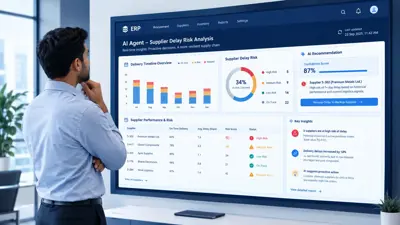
Operations depend on timely information. An agent can monitor inventory signals, identify potential delivery delays, and prepare replenishment recommendations. The output is a recommendation, and people remain responsible for purchasing and planning decisions.
What Are the Benefits of Agentic AI for Businesses?
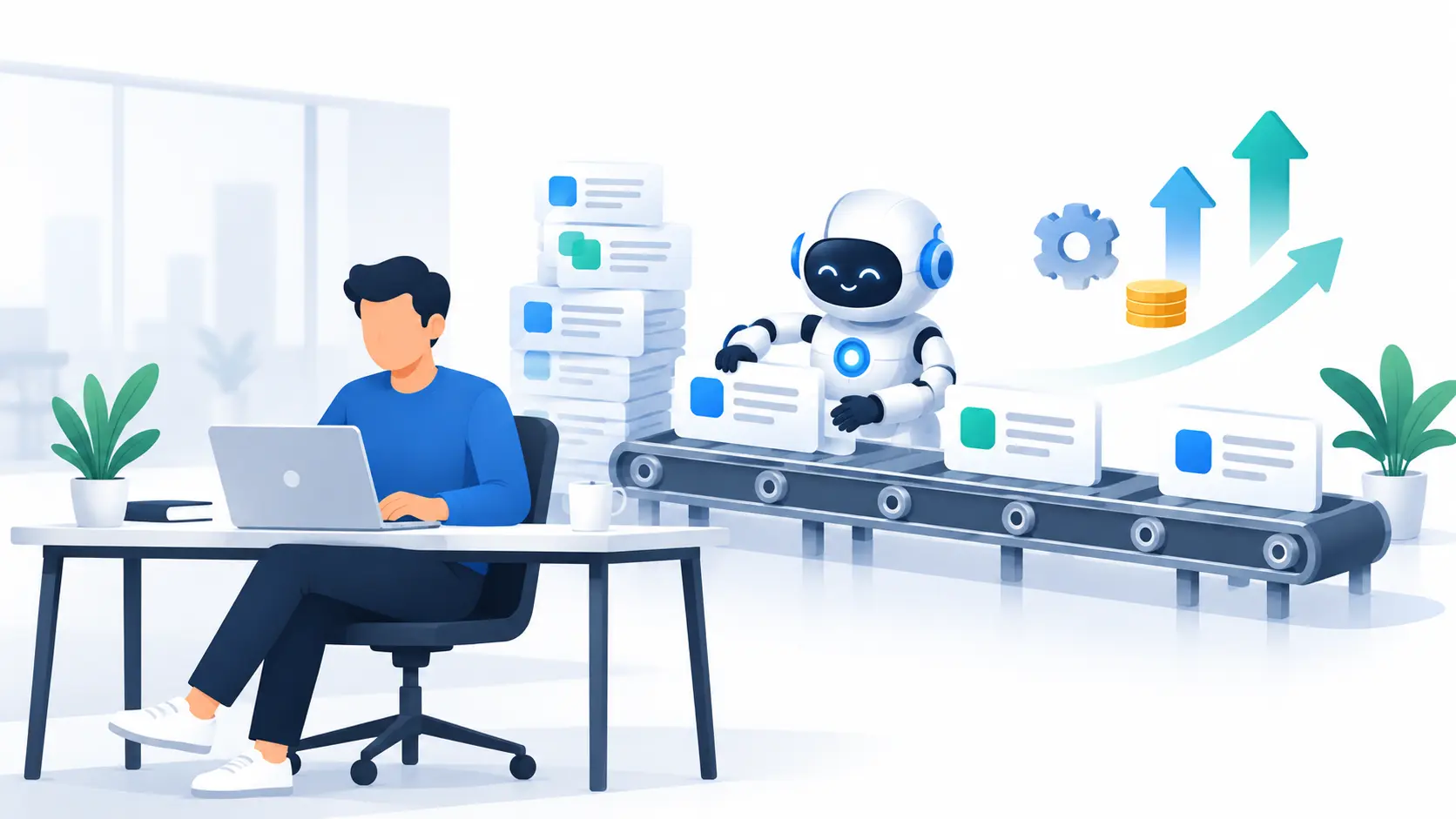
Businesses explore agentic AI for several reasons:
- Reduced repetitive manual work. Agents can take over routine steps such as sorting requests and updating records, so employees spend less time on them.
- Faster execution of multi-step workflows. An agent can move through several steps without waiting for a person at each one, which can shorten the time a task takes.
- Better coordination between business applications. Because agents work through APIs, they can pass information between systems, such as from an inbox to a CRM, that otherwise need manual copying.
- More consistent handling of routine tasks. Agents apply the same approach to similar cases, which reduces variation caused by workload or handoffs.
- Improved employee productivity. When routine work is reduced, staff can focus on decisions, complex cases, and customer relationships.
- Potential cost savings and scalability. If an agent handles more routine work, a business may be able to take on more volume without a matching rise in manual effort.
These benefits are not guaranteed. They depend on implementation quality, integration costs, data quality, and the complexity of the task. A poorly integrated agent working with unreliable data may create more work than it saves.
What Are the Challenges and Risks of Agentic AI?
The risks of autonomous AI agents in business are real, and planning for them is part of responsible adoption:
- Incorrect outputs and unreliable decisions. An agent can misread a request or produce a wrong answer. When it can also act, a mistake can affect real records or customers.
- Data privacy and information security. Agents access business and customer data, so weak protections can expose sensitive information.
- Unauthorized actions or excessive system permissions. An agent with more access than it needs can take actions nobody intended.
- Integration with legacy software. Older systems may lack the connections an agent needs, so integration can take extra effort.
- Unpredictable operating costs. Costs can be harder to forecast than for fixed workflows, so they should be monitored from the start.
- Compliance and accountability concerns. When an agent acts, the business must still be able to explain who is responsible and meet its legal and policy duties.
- Need for employee training and change management. Staff must understand what the agent does, how to review its work, and when to step in.
Why controls matter. Four controls reduce these risks:
- Access controls limit what the agent can see and do, which reduces the chance of unauthorized actions.
- Audit logs record what the agent did, so actions can be reviewed and accountability is clear.
- Testing finds problems before they reach customers or business records.
- Human approval keeps people in charge of sensitive or high-impact actions.
Common Mistakes to Avoid
| Mistake | Why it happens | How to avoid it |
|---|---|---|
| Using agents where simple rules would do | Agents seem advanced, so it is tempting to apply them everywhere | Keep predictable, high-volume processes on conventional automation unless variation justifies an agent |
| Giving too many permissions | Broad access is easier to set up than precise access | Give the agent only the access it needs and define clear limits |
| Skipping the pilot | Pressure to move fast | Run a supervised pilot before any wider rollout |
| Ignoring data quality | Assuming existing data is clean | Check data quality first, since poor data can lead to poor outputs |
| Treating agent output as always correct | Fluent answers look reliable | Require human review for sensitive or high-impact actions |
| Overlooking the people involved | Focus stays on the technology | Plan training and change management early |
How to Implement Agentic AI in a Business
A gradual approach lowers risk. This framework covers AI agent implementation and shows how to run an AI agent pilot in a company:
- Identify a repetitive process with measurable business value. A measurable process makes it possible to tell later whether the agent helped.
- Map the existing workflow and identify exceptions. Documenting each step and the cases that break the pattern shows where an agent might help and where a person must stay involved.
- Check data quality and software integration requirements. Agents depend on accurate, accessible data and working connections to other systems.
- Choose an appropriate AI agent platform or solution. Match the tool to the problem you have mapped (see the selection criteria below).
- Define permissions, limits, and approval checkpoints. Decide what the agent may do alone and what needs human sign-off.
- Run a controlled pilot with human supervision. A small test limits the impact of mistakes.
- Measure results against the existing workflow. Compare the pilot with how the work was done before.
- Expand gradually if the pilot demonstrates value. Scale only after the evidence supports it.
Pre-Pilot Checklist
- The process is repetitive and its value can be measured
- The current workflow and its exceptions are documented
- Required data is accurate and accessible
- Software integration needs are confirmed
- Agent permissions and limits are defined
- Approval checkpoints for sensitive actions are in place
- Success measures are agreed before the pilot starts
- Staff who will review the agent's work have been briefed
Real-World Example: Automating Customer Inquiry Management
This is a hypothetical example. It is not a real case study, and it includes no performance figures.
Before automation:
- Employees manually review every inquiry.
- Requests are categorized and assigned individually.
- CRM records are updated by hand.
- Follow-ups can be delayed.
With an AI-assisted agent workflow:
- Incoming inquiries are categorized.
- Relevant customer information is retrieved.
- A response draft is prepared.
- CRM records are updated within approved permissions.
- Complex or sensitive cases are sent to a human employee.
The employee's role shifts from handling every step to reviewing drafts, deciding sensitive cases, and handling difficult requests. Whether this change saves time or money in a real business would need to be measured in a pilot.
Agentic AI Trends to Watch in 2026 and Beyond
Not every trend is at the same stage. Some build on well-understood foundations. Others are still emerging, and predictions about them are uncertain.
| Trend | Stage | Why |
|---|---|---|
| Integration with CRM, ERP, finance, and customer support platforms | Established foundation | Connecting business software through APIs is a familiar practice, though the depth of integration varies |
| Human-supervised autonomous workflows | Established practice | Human review of important actions is a long-standing control, and it is the safest way to use agents today |
| AI agents connected to enterprise software | Maturing | The connections are familiar, but letting an agent choose how to use them is newer |
| AI governance and security controls | Maturing | Access controls and audit logs are well known, while practices designed for AI agents are still developing |
| Multi-agent systems working on coordinated tasks | Emerging | Several agents sharing a task adds coordination and oversight challenges |
| Industry-specific AI agents | Emerging | Agents tailored to one sector depend on specialized data, rules, and testing |
This classification is a general editorial view, not the result of market research. Maturity differs by vendor and industry, so check current information before planning around any trend.
How to Choose the Right Agentic AI Solution
If you are asking how to choose an AI agent platform, start with your own needs rather than the tool's feature list.
- Define the business problem first. Know which process you want to improve and how you will measure success. This prevents buying a tool in search of a problem.
- Check integration and compatibility requirements. Confirm the solution works with your CRM, ERP, support, and other systems, including older software.
- Review data protection and security capabilities. Ask how the solution handles sensitive data, user permissions, and access.
- Evaluate monitoring, auditability, and approval controls. You should be able to see what the agent did and require human approval where needed.
- Compare implementation costs with expected business value. Include integration, setup, training, and ongoing operating costs, not only the license price.
- Test performance through a limited pilot. A pilot on a real process shows how the solution performs under your conditions.
Conclusion: Moving Toward Smarter Business Automation
Agentic AI business automation can extend conventional automation by handling certain multi-step tasks with greater flexibility. It does not replace every rule-based workflow, and predictable processes may still run best on traditional automation.
Successful adoption depends on appropriate use cases, reliable systems, clear controls, and human oversight. Start with one measurable process, pilot it with supervision, and expand only when the results justify it.
Key Takeaways
- Agentic AI plans and carries out multi-step tasks, while traditional automation follows predefined rules.
- It is not automatically better. Predictable, high-volume work may suit conventional automation.
- Common uses include support, sales, marketing, finance, HR, IT, and supply chain.
- Benefits depend on implementation quality, data quality, integration costs, and task complexity.
- Access controls, audit logs, testing, and human approval reduce risk.
- A controlled pilot should come before any wider rollout.