10 Signs Your Business Has Outgrown Its ERP System
Naapbooks Insights • ERP System • 09 min read
Growth usually brings good problems: more customers, more orders, more people, maybe a second location. But the software running your daily operations doesn't always keep pace. Your ERP system probably made sense when you installed it. Years later, it may be something your team works around rather than with.
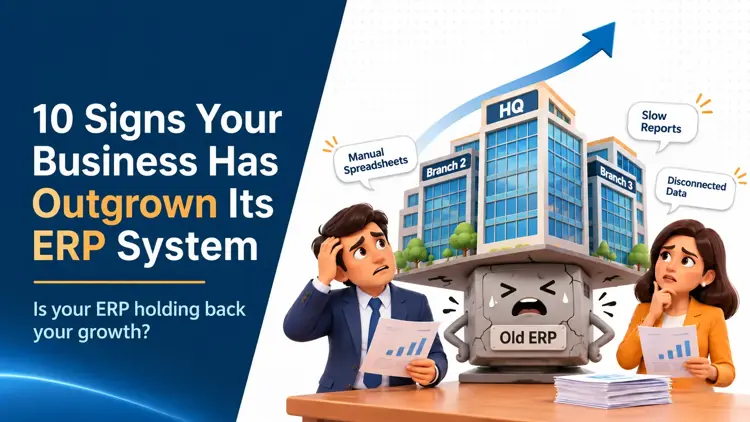
So what does it mean to outgrow an ERP system? It means the software no longer supports how your business actually operates. Teams lean on spreadsheets, reports arrive late, departments see different numbers, and every new requirement becomes an expensive fix. Below are ten warning signs, followed by how to decide between an upgrade, an integration or a full replacement.
10 Signs Your Business Has Outgrown Its ERP System
1. Your Team Still Relies on Spreadsheets for Everyday Tasks
Quick Answer: If employees regularly export ERP data into spreadsheets to complete routine work, your existing system may not be handling your processes effectively.
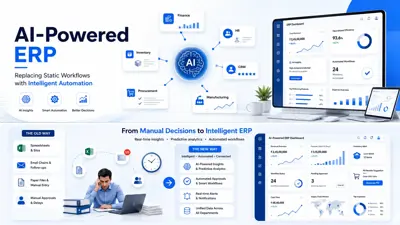
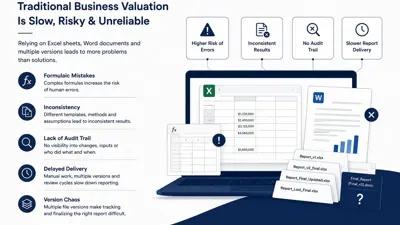
Picture a finance team that exports ledgers every Friday to reconcile them by hand. It works, until someone overwrites a formula or enters the same invoice twice. Duplicate entry, version confusion and hours of reconciliation are a hidden tax on your team. A few spreadsheets are normal. When they become part of the daily routine, the ERP is falling short.
2. Your Business Has Outgrown Its Existing ERP Modules
Quick Answer: When your business expands but your ERP cannot support new operational requirements, its existing modules may no longer be sufficient.
Maybe the inventory module handled one warehouse well but struggles with three. Maybe procurement approvals don't match your new vendor structure, or HR can't manage multiple locations with different policies. Modules built for a smaller business tend to show their limits in finance, inventory, HR and procurement first, usually when you add branches or product lines.
3. Departments Are Working With Disconnected Data
Quick Answer: When finance, sales, HR and operations maintain different versions of business information, decision-making becomes slower and less reliable.
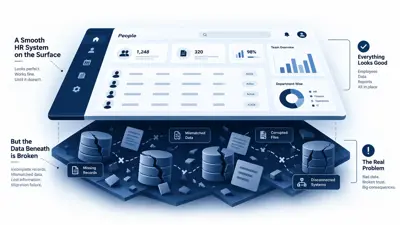
Sales quotes a delivery date that operations never confirmed. Finance reports revenue that doesn't match the sales team's figures. These data silos are rarely dramatic, but they create small disagreements that eat up meetings. If people spend more time asking which number is correct than acting on it, your system isn't acting as a single source of truth.
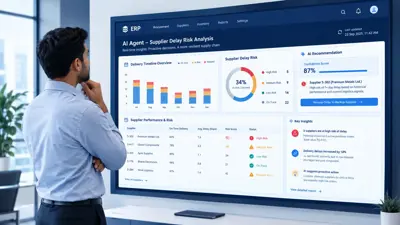
4. Generating Reports Takes Too Much Time
Quick Answer: If management cannot access accurate business reports without waiting for manual data collection, your ERP may lack the reporting capabilities your business needs.
When a simple question about margins or stock levels turns into a two-day data request, the reporting layer is the problem. Delayed insights mean decisions are made on last week's picture. Good ERP reporting should give leaders current visibility without anyone stitching files together first.
5. Your ERP Cannot Integrate With Other Business Tools
Quick Answer: If your ERP struggles to communicate with CRM platforms, payment gateways or third-party applications, disconnected workflows become harder to manage.
Modern businesses run on a mix of tools: CRM, e-commerce, payment gateways, logistics and analytics. A healthy ERP system integration setup uses APIs to keep data synchronised automatically. If your team re-keys orders from one platform into another, or integrations break whenever something updates, the limitation is probably in the ERP's architecture, not in your processes.
6. System Performance Drops as Your Business Grows
Quick Answer: Slow loading, frequent downtime and poor performance during peak activity can indicate that your ERP infrastructure is not scaling effectively.
More users, more transactions and years of accumulated data all put pressure on a system. Watch for screens that lag at month-end, reports that time out, or logins that fail during busy hours. Occasional slowness can be a configuration issue. Consistent degradation as volumes rise points to a capacity or ERP scalability problem.
7. Employees Have Created Their Own Workarounds
Quick Answer: When employees develop unofficial processes to get their work done, it often means the ERP no longer fits their actual workflows.
Look for shadow spreadsheets, approvals chased over WhatsApp or email, and small side tools that nobody in IT knows about. Your employees aren't being difficult. They're solving a problem the system doesn't. The risk is that critical business logic ends up living outside the ERP, where it can't be tracked or audited.
8. Maintaining the ERP Costs More Than Expected
Quick Answer: Frequent custom fixes, maintenance expenses and dependency on specialised support can make an ageing ERP increasingly expensive to operate.
Look beyond the licence fee to total cost of ownership. If you're paying repeatedly for patches, depend on one consultant who understands the old customisations, or hesitate to update because something might break, maintenance has become a drain. Each quick fix adds complexity, which makes the next one harder and costlier.
9. Your Business Is Facing Security and Access Limitations
Quick Answer: Outdated access controls, limited audit visibility and insufficient security updates can expose growing businesses to unnecessary risks.
A growing team needs finer role-based permissions than a small one. Ask whether you can restrict payroll data to HR, see who changed a purchase order, and trust that backups actually restore. If the vendor no longer ships regular security updates, or audit trails are patchy, that's a risk worth taking seriously, especially if you handle financial or customer data.
10. Your ERP Cannot Support Your Future Business Plans
Quick Answer: If your ERP cannot support planned expansion, new locations, additional workflows or changing operational needs, it may be holding back your growth.
This one is about the road ahead. If you're planning a new plant, an online sales channel or a different pricing model and your IT team's first reaction is "the system can't do that," pay attention. A good ERP should be flexible enough to follow your strategy rather than limit it.
Should You Upgrade Your Existing ERP or Replace It?
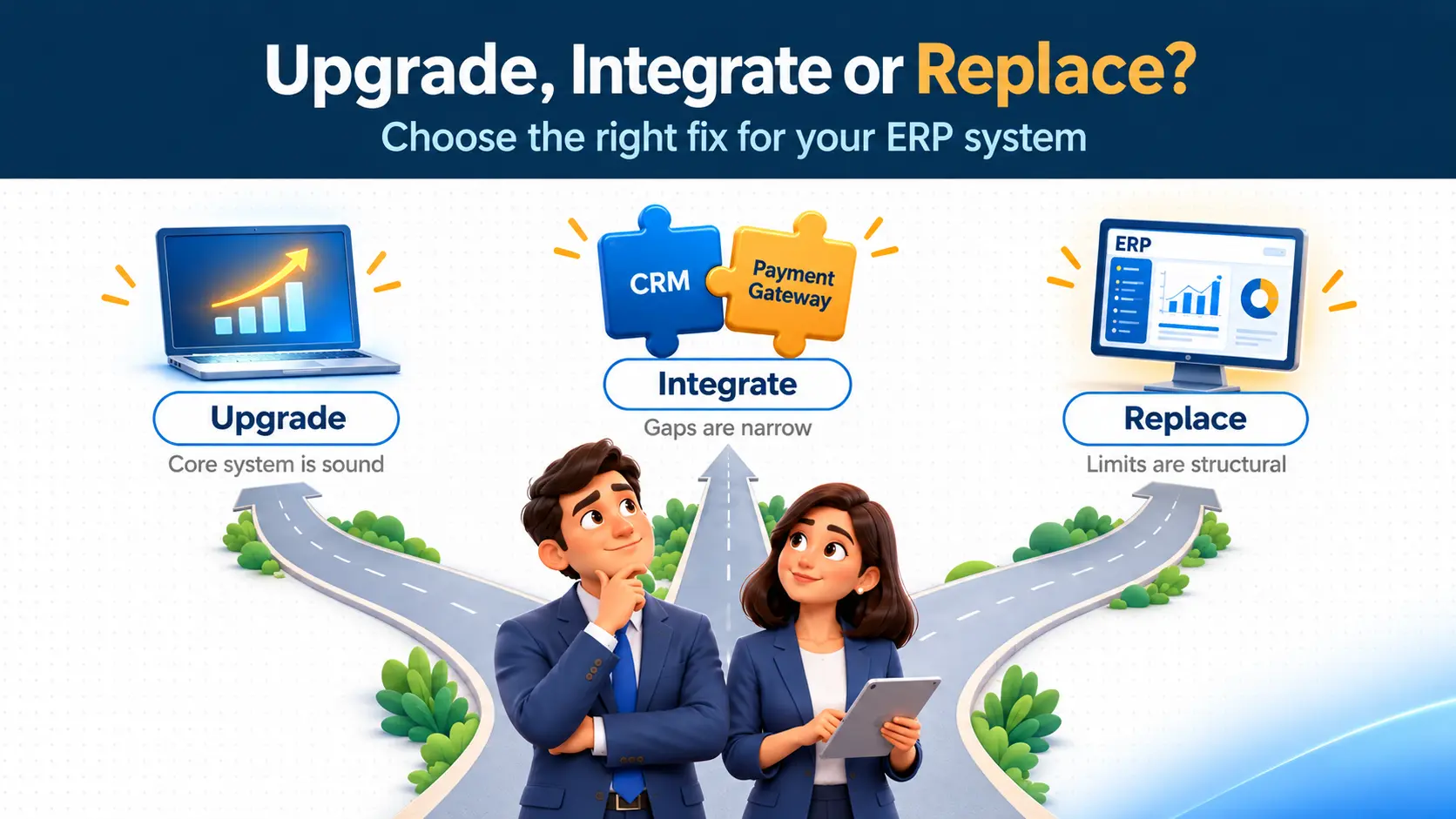
Quick Answer: Not every ERP limitation requires a complete replacement. Some problems can be resolved through upgrades, integrations or additional modules, while deeper architectural limitations may require a new system.
Start by identifying where the pain actually sits.
- Upgrade when the core system is sound but outdated. A newer version may fix performance, security and reporting gaps. Our guide on custom vs. off-the-shelf ERP decisions can help you weigh the options.
- Integrate or customise when the gaps are narrow. A missing connection to your CRM or payment gateway, or one workflow that doesn't fit, can often be solved without touching the rest of the system.
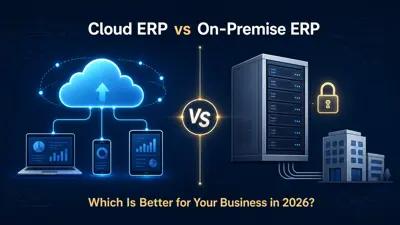
- Replace when the limits are structural: the system can't scale, can't integrate at all, or costs more to maintain than a modern alternative would cost to run. Cloud platforms are often part of this conversation, and this overview of cloud ERP covers what to consider.
The right answer depends on your size, budget and processes. No outcome is guaranteed, so a proper assessment before committing is worth the time.
Choose an ERP System That Grows With Your Business
Quick Answer: The right ERP system should adapt to your business processes, connect departments, support integrations and scale as operational requirements change.
Whether you upgrade or start fresh, look for a few things:
- Workflows that can be tailored to how you actually work
- A modular structure, so you add capabilities as you need them
- Reliable integrations with the tools you already use
- Room to scale in users, locations and data
- Clear, real-time visibility across departments
- Long-term technical support, not just a go-live date
This is the kind of work Naapbooks does as an ERP development company, from assessing your current setup to building and implementing a system around your processes. Our FlowShift platform is one example of that approach.
If several of the signs above sound familiar, talk to the Naapbooks team about your ERP requirements. We'll help you work out whether you need a fix, an upgrade or a fresh start.