Why Cloud ERP is the Future of Enterprise Software
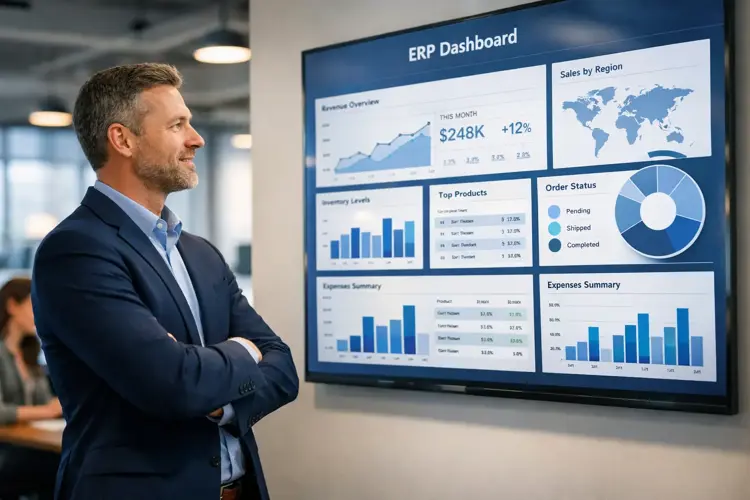
Naapbooks Insights • Cloud ERP • 9 min read
Introduction
Every business needs a way to manage its moving parts finances, inventory, HR, customer records without juggling ten disconnected tools. That's the job ERP software was built for.
What's changed isn't the job. It's how the software gets delivered. Traditional ERP lived on physical servers inside a company's own building. Getting it running meant buying hardware, hiring IT staff, and paying a large amount upfront. It worked, but it was slow to change and expensive to maintain.
Cloud ERP flips that model. The software lives on remote servers, and businesses log in through a browser instead of installing anything locally. That single shift from owning infrastructure to renting access to it is what's driving the move toward digital transformation ERP strategies across nearly every industry. This isn't a passing trend. It's becoming the standard way companies run their operations.
What is Cloud ERP?
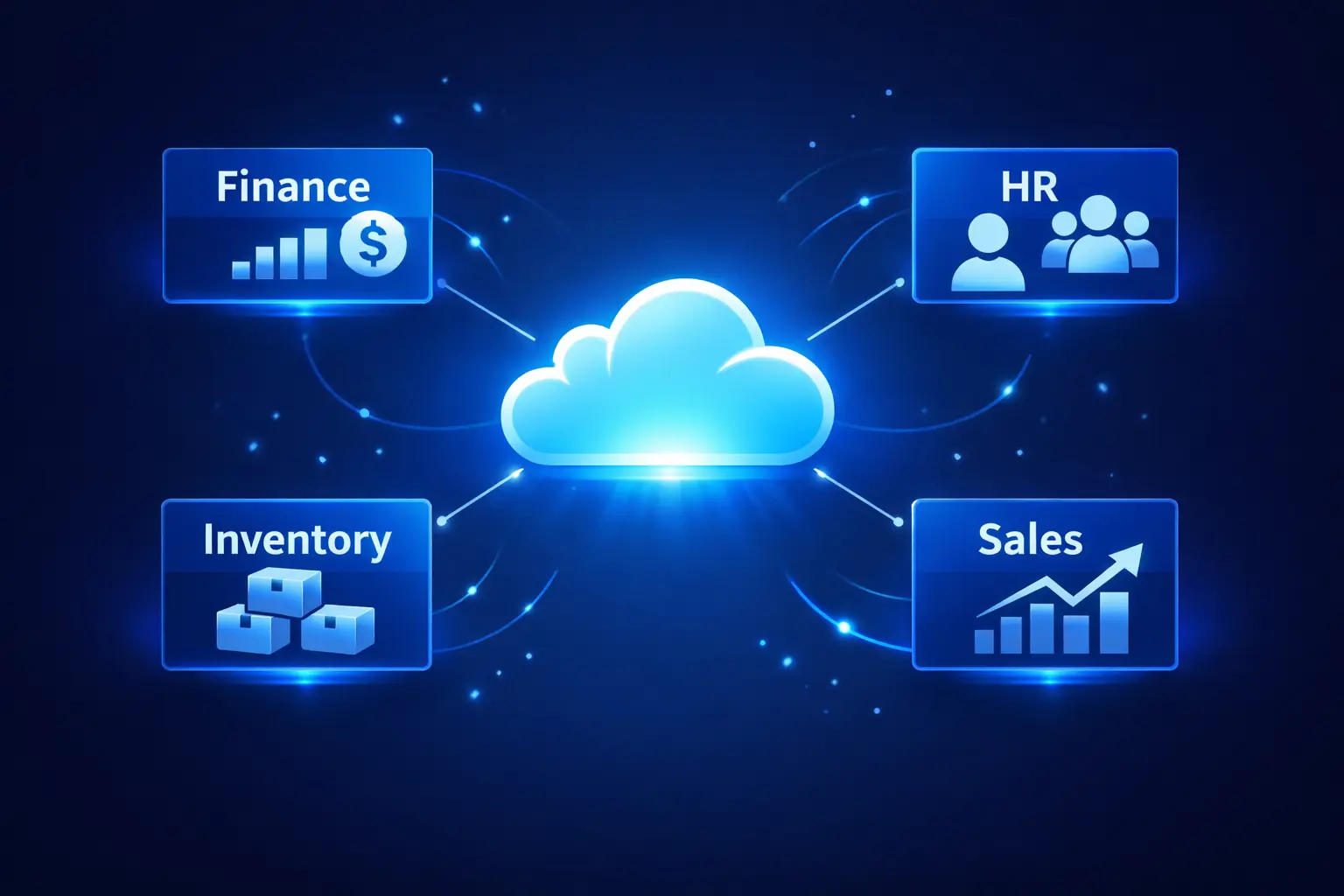
Cloud ERP is an enterprise resource planning system hosted on remote servers and delivered over the internet, rather than installed on a company's own computers. Most cloud ERP platforms run on a SaaS (Software as a Service) model businesses pay a recurring subscription, and the vendor takes care of hosting, security, and updates.
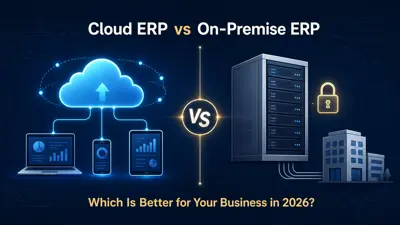
Traditional ERP vs. Cloud ERP: Side-by-Side Comparison
| Feature | Traditional ERP | Cloud ERP |
|---|---|---|
| Hosting | On-site servers | Remote, vendor-hosted servers |
| Upfront cost | High (hardware + licenses) | Low (subscription-based) |
| Access | Limited to office network | Anywhere, via browser |
| Updates | Manual, scheduled by IT | Automatic, handled by vendor |
| Scalability | Requires new hardware | Scales on demand |
The biggest practical difference is agility. Enterprise cloud ERP platforms let a business add users, locations, or entire business lines without touching a single server.
Why Are Businesses Moving to Cloud ERP?
Three forces are pushing this shift at the same time:
- Remote and hybrid work Teams spread across cities (or countries) need a system they can reach from any device. On-premise ERP was never designed for that.
- The need to scale fast Growing companies can't wait months for a hardware upgrade. Cloud ERP scales in real time as the business grows.
- Cost pressure on IT budgets Server maintenance and large in-house IT teams are expensive. Moving to a cloud-based system removes much of that overhead.
Digital transformation is the umbrella all of this sits under businesses are digitizing core operations, and cloud ERP is usually the backbone of that effort.
Key Benefits of Cloud ERP
Lower Costs, Fewer Surprises
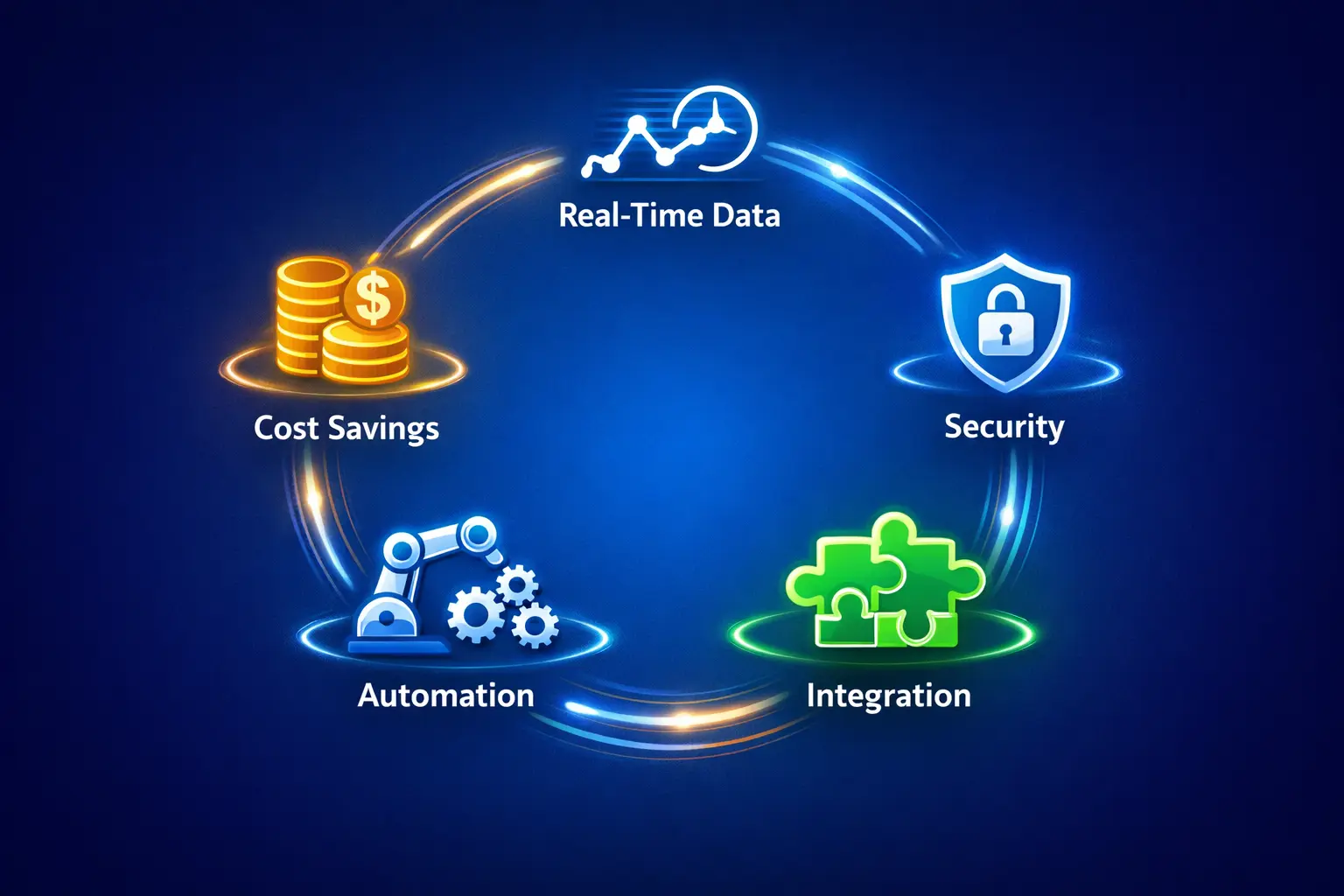
Traditional ERP meant heavy spending on hardware, licensing, and specialized IT staff. A subscription model changes that math: businesses pay for what they use, infrastructure costs drop, and there are no surprise upgrade bills waiting at the end of the year.
Real-Time Data for Faster Decisions
Cloud ERP gives managers live visibility into financial reports, inventory levels, and customer activity. That means decisions get made on current numbers, not last week's spreadsheet and it becomes far easier to keep records clean and consistent across departments.
Automatic Updates and Maintenance
The vendor pushes updates automatically. There's no scheduled downtime, no in-house patch management, and no risk of running an outdated, unsupported version of the software.
Stronger Security and Data Protection
Modern cloud ERP platforms typically include encryption, multi-factor authentication, role-based access controls, and regular compliance audits. For most mid-sized businesses, this is a higher security standard than what they could realistically build and maintain in-house which matters most for companies handling sensitive financial or customer data.
Seamless Integration With Other Tools
Cloud ERP connects with CRM software, e-commerce platforms, payroll systems, and analytics dashboards. Instead of data sitting in isolated silos, everything feeds into one connected view of the business.
Key Takeaways Cloud ERP Benefits
- Lower upfront and ongoing IT costs
- Live data instead of outdated reports
- Zero-effort updates and patching
- Enterprise-grade security without an in-house security team
- One connected system instead of scattered tools
Cloud ERP for Modern Enterprises
Large organizations need more than basic functionality they need a platform that can handle thousands of users, multiple currencies, and cross-border compliance without breaking a sweat. That's where enterprise-grade cloud ERP earns its place.
Here's how it changes day-to-day operations at scale:
- Remote and hybrid teams can access the same system from anywhere, so operations don't stall based on where people are sitting.
- Automated workflows cut down manual busywork, freeing staff for higher-value tasks.
- Cross-department collaboration improves because finance, operations, HR, and sales are no longer working from separate, disconnected tools.
- Faster expansion becomes possible companies can enter new markets or add users without a full system overhaul.
ERP Trends Shaping the Next Few Years
The direction of ERP software is being shaped by a handful of clear trends:
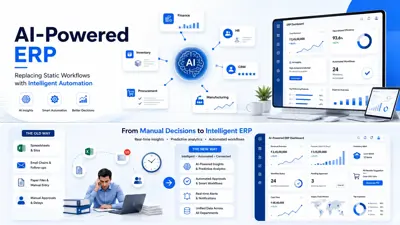
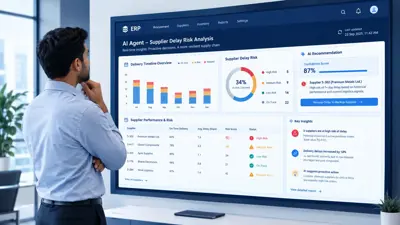
- AI-powered ERP Machine learning is being used to flag anomalies, spot patterns, and suggest actions before problems escalate. Conversational AI features are also starting to let users query business data in plain language instead of building reports manually.
- Predictive analytics Helps businesses forecast demand, manage cash flow, and catch supply chain risks earlier.
- Mobile-first platforms Full-featured mobile apps let managers approve orders or check KPIs from a phone.
- Deeper automation Invoice matching, payroll processing, and inventory reordering are increasingly automated rather than manual.
- Built-in compliance tools As data regulations tighten globally, ERP platforms are building compliance features directly into the product instead of leaving it to add-ons.
Note: These are directional industry trends rather than sourced statistics treat them as qualitative observations, not measured data points.
Which Industries Benefit Most From Cloud ERP?
| Industry | How Cloud ERP Helps |
|---|---|
| Manufacturing | Tracks production schedules, manages raw materials, reduces supply chain waste |
| Retail & eCommerce | Connects online/offline inventory, manages returns, tracks buying patterns |
| Healthcare | Supports patient billing, regulatory compliance, and resource scheduling |
| Finance & Accounting | Automates reconciliation, financial reporting, and audit trails |
| Logistics & Supply Chain | Gives visibility into shipments, vendors, and warehouse operations |
Challenges to Plan For Before Migrating
Cloud ERP isn't a plug-and-play switch. Businesses that plan carefully tend to have smoother rollouts. The main challenges to expect:
- Data migration Cleaning, reformatting, and validating years of historical data before it moves to the new platform takes real time and effort.
- Integration with existing software Older systems weren't always built to share data easily, which can create friction during setup.
- Employee training and adoption Structured training and change management matter more than the software itself in the first few months.
- Security due diligence Businesses need to evaluate a vendor's certifications, security practices, and data residency policies before signing on.
- Cost overruns Without a clear project scope, implementation costs can run over budget. Working with an experienced implementation partner reduces this risk.
Common Mistake to Avoid: Treating cloud ERP as a one-time IT project instead of an ongoing change-management effort. The software launch is the easy part user adoption is what determines whether the investment pays off.
How to Choose the Right Cloud ERP Solution
Step 1: Map Your Business Requirements
Audit current processes first. Identify the gaps and bottlenecks that a new system actually needs to solve don't shop for features before you know your requirements.
Step 2: Check Scalability and Customization
Ask vendors directly how the platform handles new users, new locations, or new business lines. A good system shouldn't need a full re-implementation every time you grow.
Step 3: Verify Security and Compliance
Confirm how the vendor handles data protection, access controls, and regulatory compliance especially important in regulated industries like healthcare or finance.
Step 4: Evaluate Vendor Support
A platform is only as reliable as the team behind it. Ask about uptime guarantees, support response times, and what implementation resources are included.
Cloud ERP Vendor Checklist
- Clear pricing with no hidden upgrade costs
- Proven scalability for your industry and size
- Documented security certifications
- Transparent uptime and support SLAs
- Dedicated implementation and training support
Pros and Cons of Cloud ERP
Pros
- Lower upfront investment
- Access from anywhere
- Automatic updates
- Strong built-in security
- Easier integration with other business tools
Cons
- Ongoing subscription cost instead of one-time purchase
- Requires reliable internet access
- Data migration can be time-consuming
- Less control over infrastructure decisions than fully on-premise systems
Conclusion
The case for cloud ERP keeps getting stronger. Businesses still running outdated, on-premise systems are carrying real risk in cost, in agility, and in how they stack up against competitors who've already moved.
Intelligent ERP systems built around AI, real-time data, and seamless integration aren't a luxury reserved for large enterprises anymore. They're becoming the baseline expectation for any business that wants to keep growing.
Whether you're running a mid-sized manufacturing operation, a fast-growing retail brand, or a global enterprise, the path forward runs through the cloud. Getting there earlier means better decisions, leaner operations, and a system built to keep pace with where the business is headed.